

Offline QA serverOpen full preview
YOUR NEXT SHARED WORLD
Free Minecraft and Terraria servers for you and your friends. Choose a name, invite your group and build a world you'll want to return to.

Your world. Your rules.
Make room for the whole adventure.
YOUR FAVOURITE SOFTWARE. YOUR CALL.
Start with a classic. Try something new. Find a place for the way your friends like to play.
A familiar home for your world. Start it, invite your friends, and keep the essentials close — without the panel jargon.
Start your world, share its address and change the essentials without getting lost in technical menus.
Share your server address with friends. Manage shows the player and access controls supported by your game and server software.
Plugins, console and a customer-managed backup are close at hand. Advanced controls stay available when you need them.
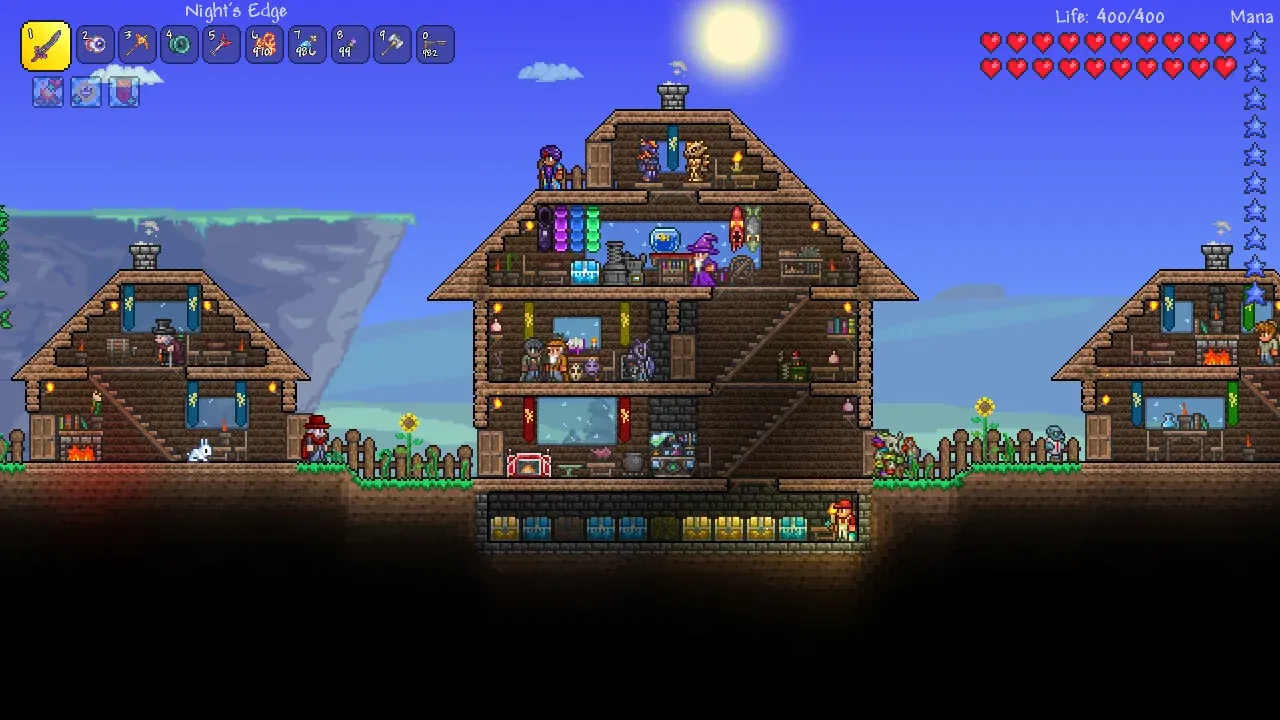
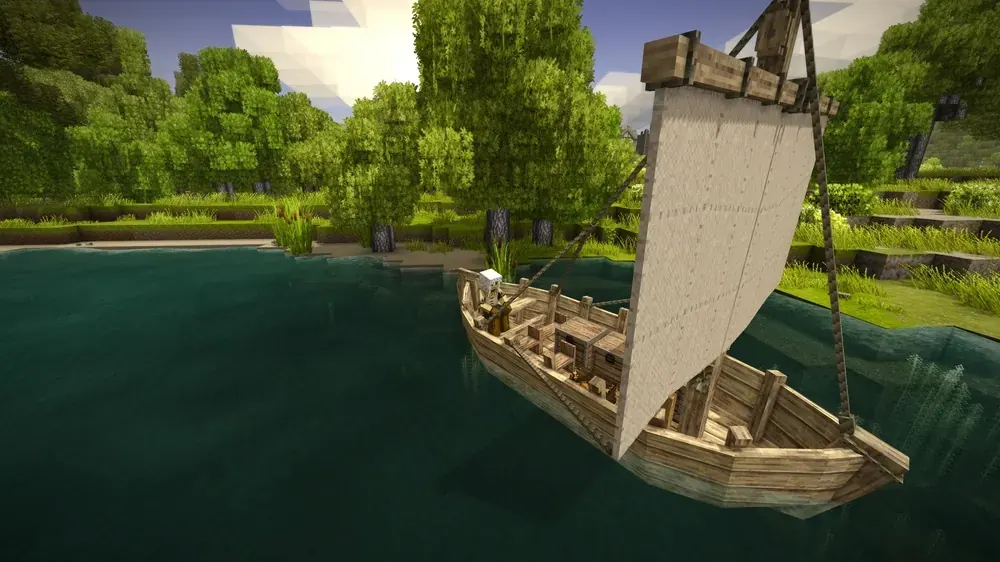
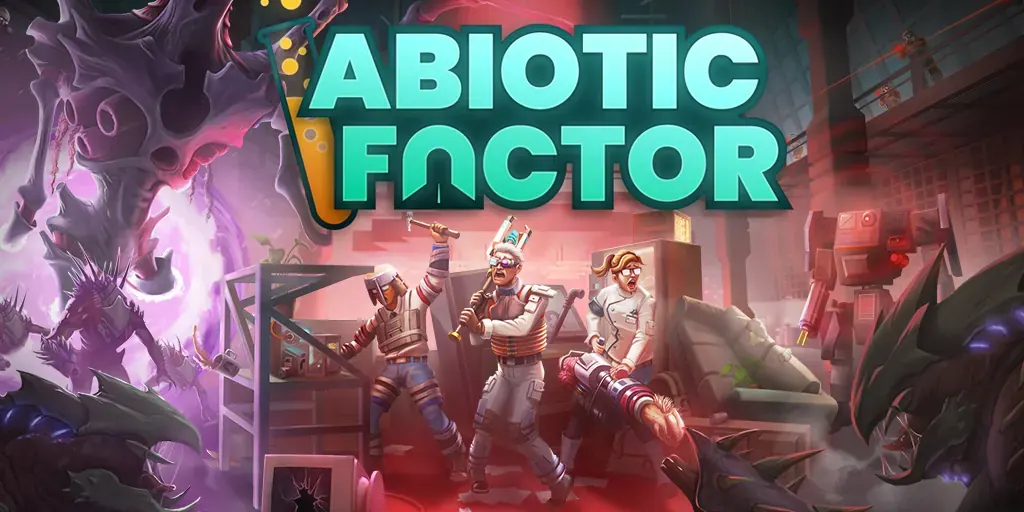
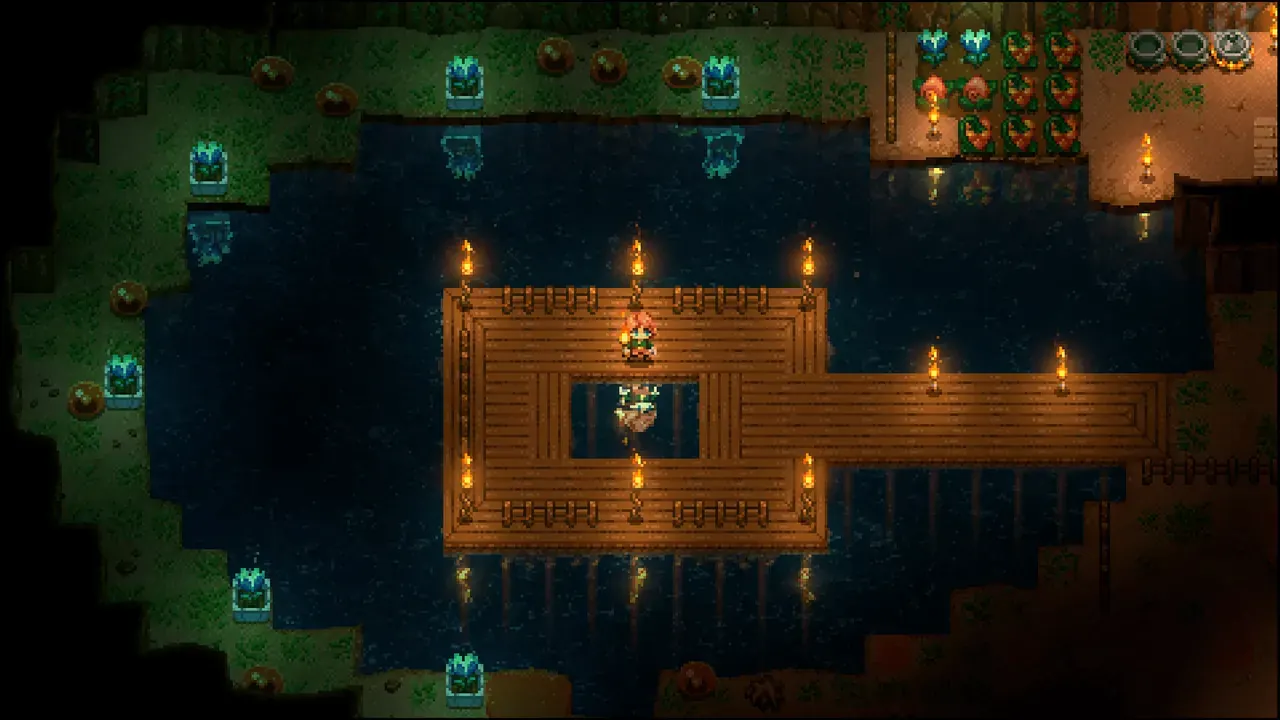
Real screenshots of offline QA servers. Terraria shows a co-host view; controls depend on your permissions. Click to enlarge.
A free beta for small communities, with published resource limits and no credit card required.
Need more later? Paid plans are being researched, not sold. Explore the proposals
A little world. A lot of possibilities.
15-minute player-free idle stop · automatic wake (Minecraft Java)
Open ChunkArc Manage and use an available sign-in option. The Free Beta does not require payment details.
Choose Minecraft or Terraria, an available region and your address. Check the software and game version before creating the server.
Start the server, wait for it to be online and open the join instructions. Share the address and, when shown, the port with friends using a compatible game version.
Preview the controls before signing in, or follow the setup guide for your game. Players do not need your panel login to join.
Invite friends who will use their servers. Verified referrals earn Arc Coins for the RAM and storage boosts available in the Arc Store.
 Getting started
From signing in to sharing your world with friends.
Read the guide Players & access
Make your server a space for the people you choose.
Read the guide World management
Create a backup before your next big change.
Read the guideFrom people building their worlds with ChunkArc.
Reviews include past ratings. Test ratings and private support tickets are excluded.
Leave a review in ManageLoading customer reviews…
The useful details, before you create your first world. Still wondering about something?
Let’s talkYes. The Free Beta does not require a credit card. You get one free server per person, with the limits shown in the plan above. This is a public beta, not an unlimited hosting plan.
Empty Minecraft Free Beta servers stop after 15 minutes without players. The connection flow wakes the server when you return. Your world is not deleted just because the server is sleeping.
Minecraft supports Paper, Purpur, Folia and Fabric. Compatibility depends on your chosen software and version; resource limits still apply. Terraria offers Vanilla, tModLoader and TShock in Manage. Use a compatible client and tested mod or plugin versions; upload and resource limits apply. Planning a small Fabric world? Check modded hosting and its limits.
New customer backups use your personal Google Drive. Connect it in Manage. Manual copies and optional 6, 12 or 24-hour schedules wait for the server to be off. Schedules start off; existing ChunkArc copies remain available. No fixed limit on the number of copies in your personal Google Drive, within your available storage and service limits.
Not yet. Paid plans are proposals used to measure genuine interest. There is no checkout, charge or reservation. The live website explains the current research.
Give the group chat a world to come back to.
Check what changes before an update, or choose a project to play with friends.
ChunkArc ·
The Manage companion helps you find panel sections and understand the next step, with game-specific guidance.
See updates & newsA little world. A lot of possibilities.
15-minute player-free idle stop · automatic wake (Minecraft Java)
Your next adventure starts underground.
Vanilla, tModLoader and TShock · choose in Manage
